MacOS Installation
Installation
Please follow the steps bellow to install Sectrify Endpoint Client:
-
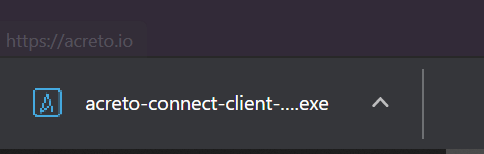
Go to the download page and download client for MacOS.:
-
Double click on the downloaded installer file:
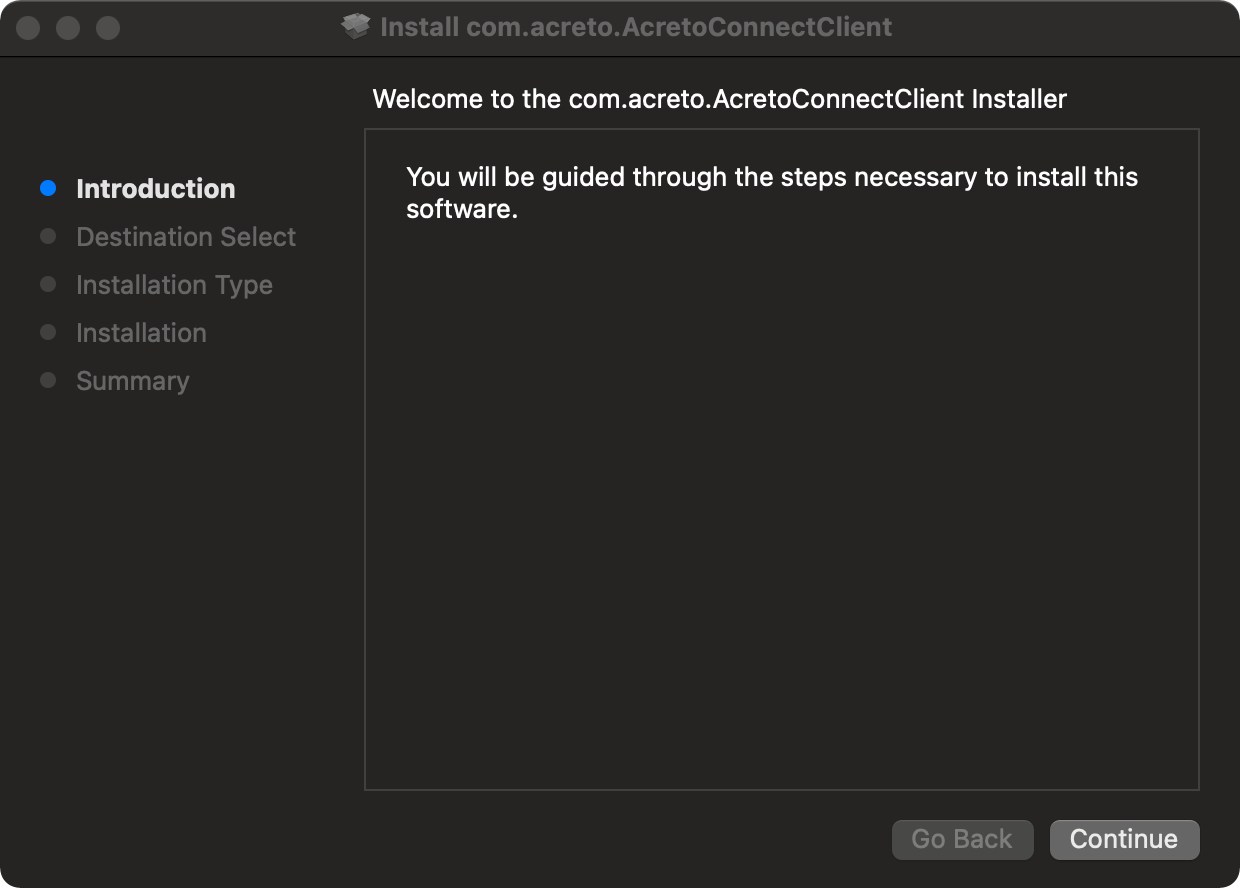
- Click Continue to continue installation:
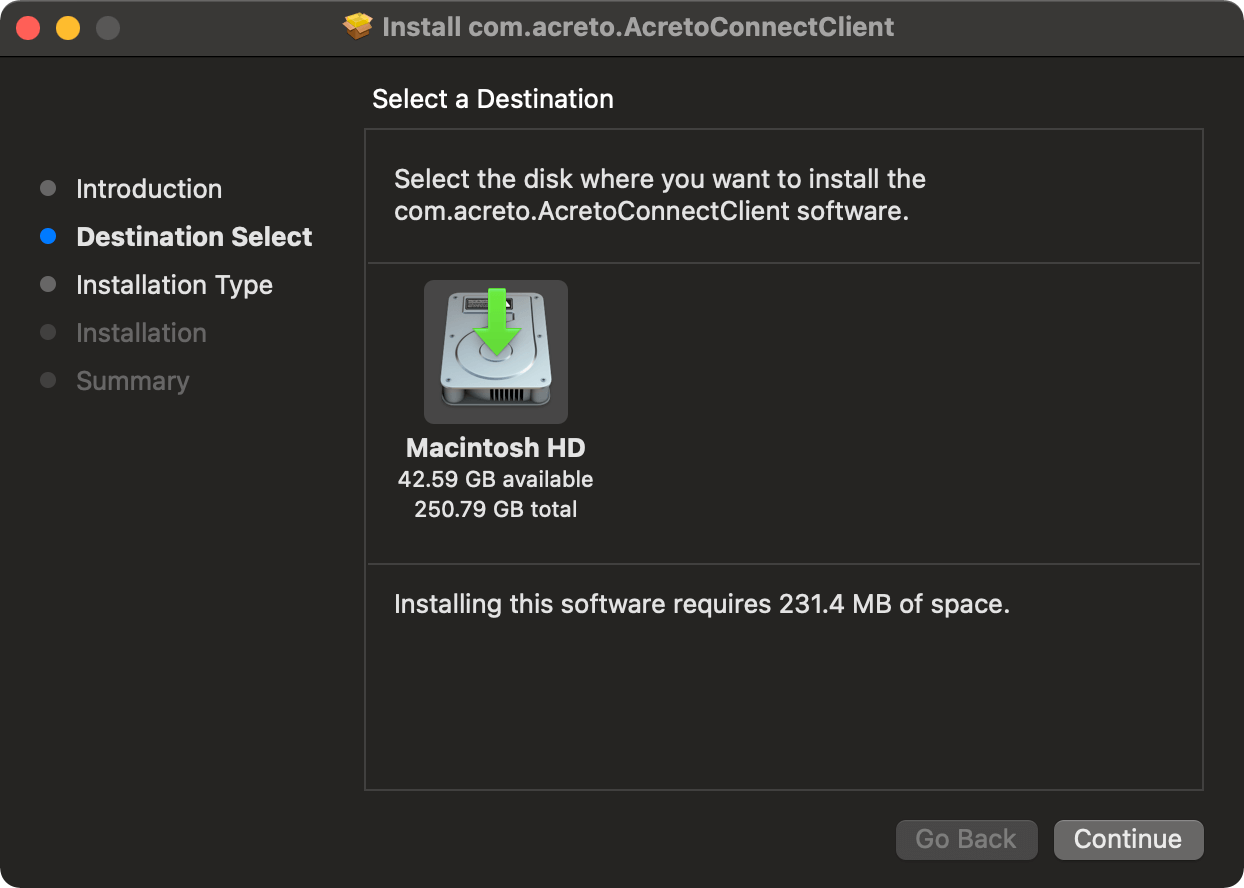
- Select the destination of the installation and then click Continue:
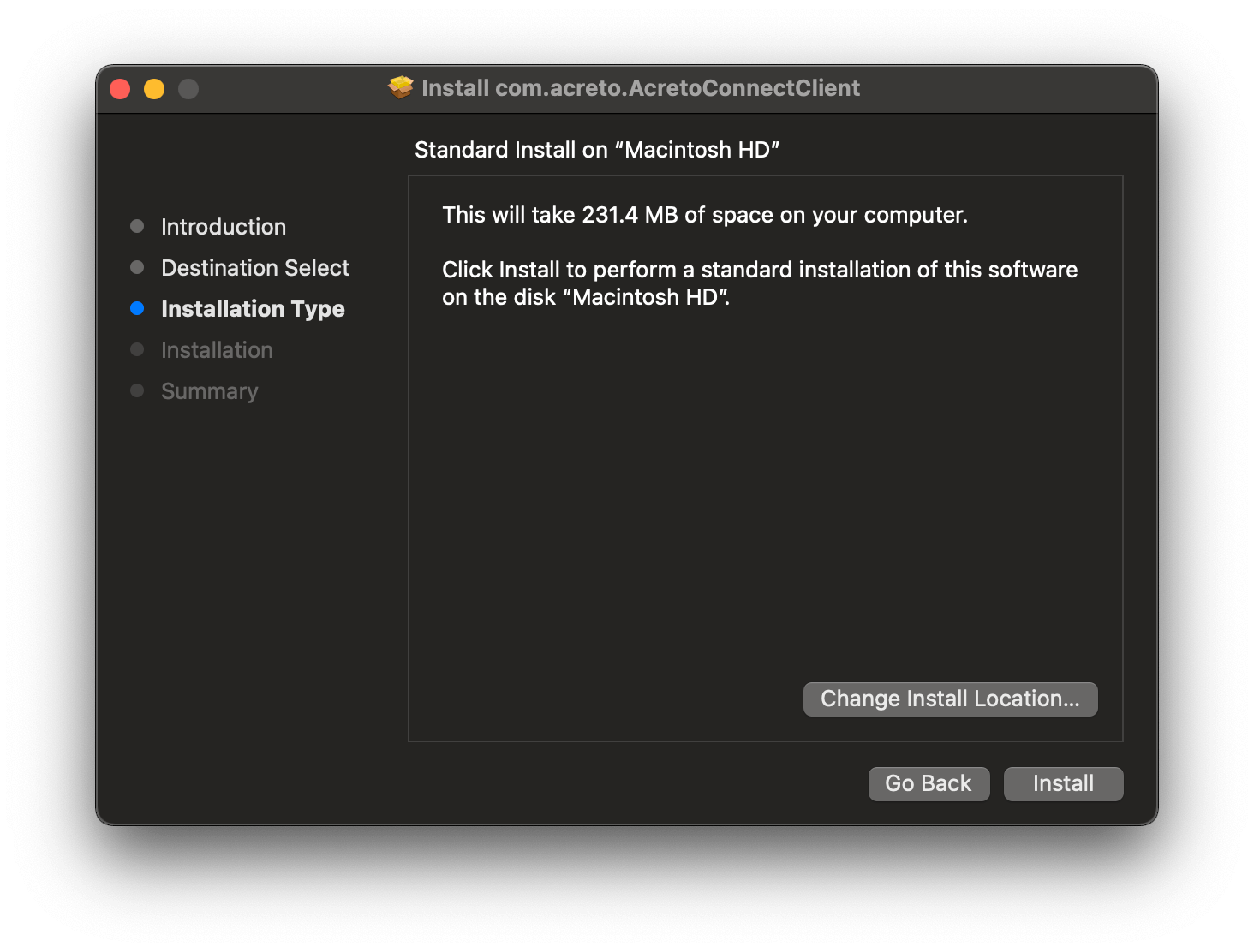
- Select the installation type and then click Install:
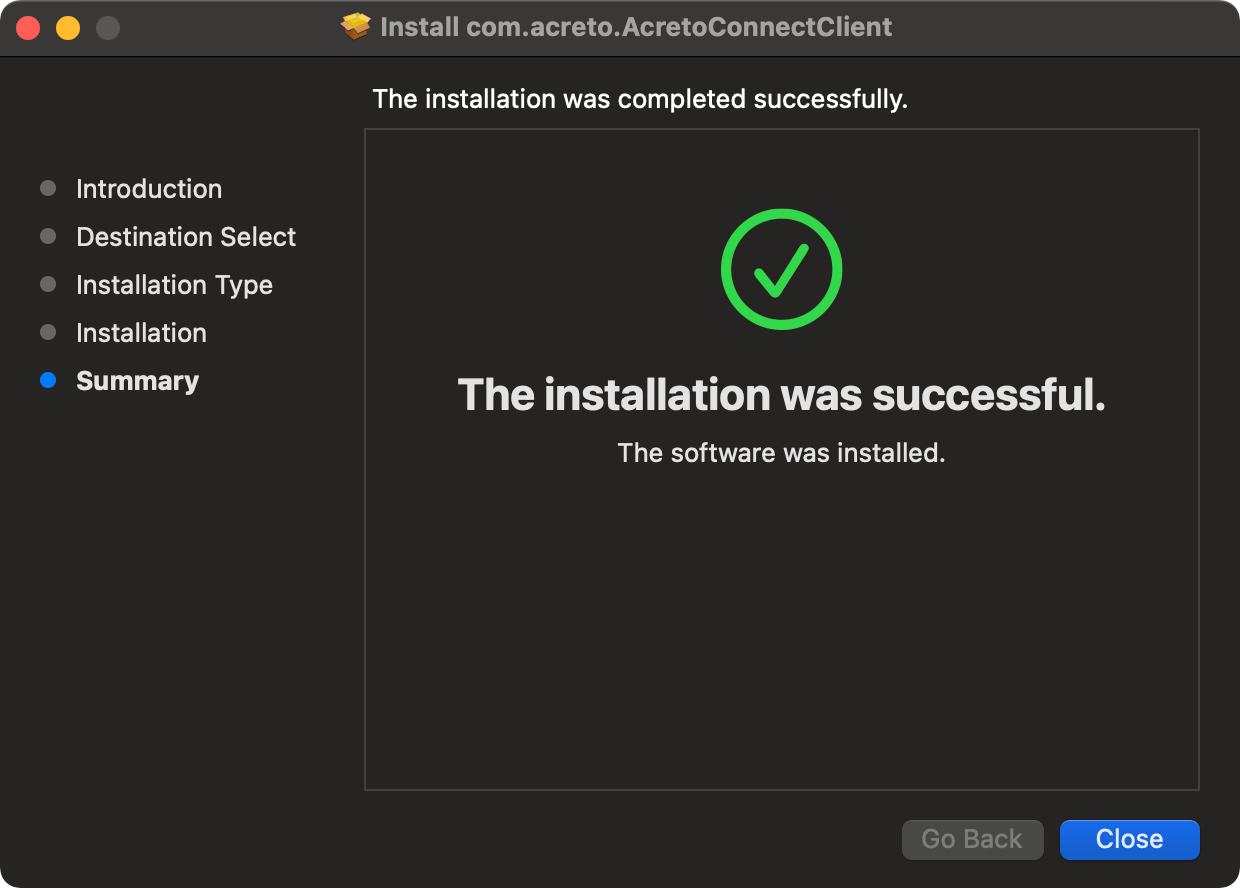
- Once installation is completed, just click button Close:
- All set, now you can start using Sectrify Endpoint Client.